Here's the whole kit, all in one spot. This is how I tether from my camera to an iPad, with no laptop, no cart, and no cable across my body.
Why I shoot this way
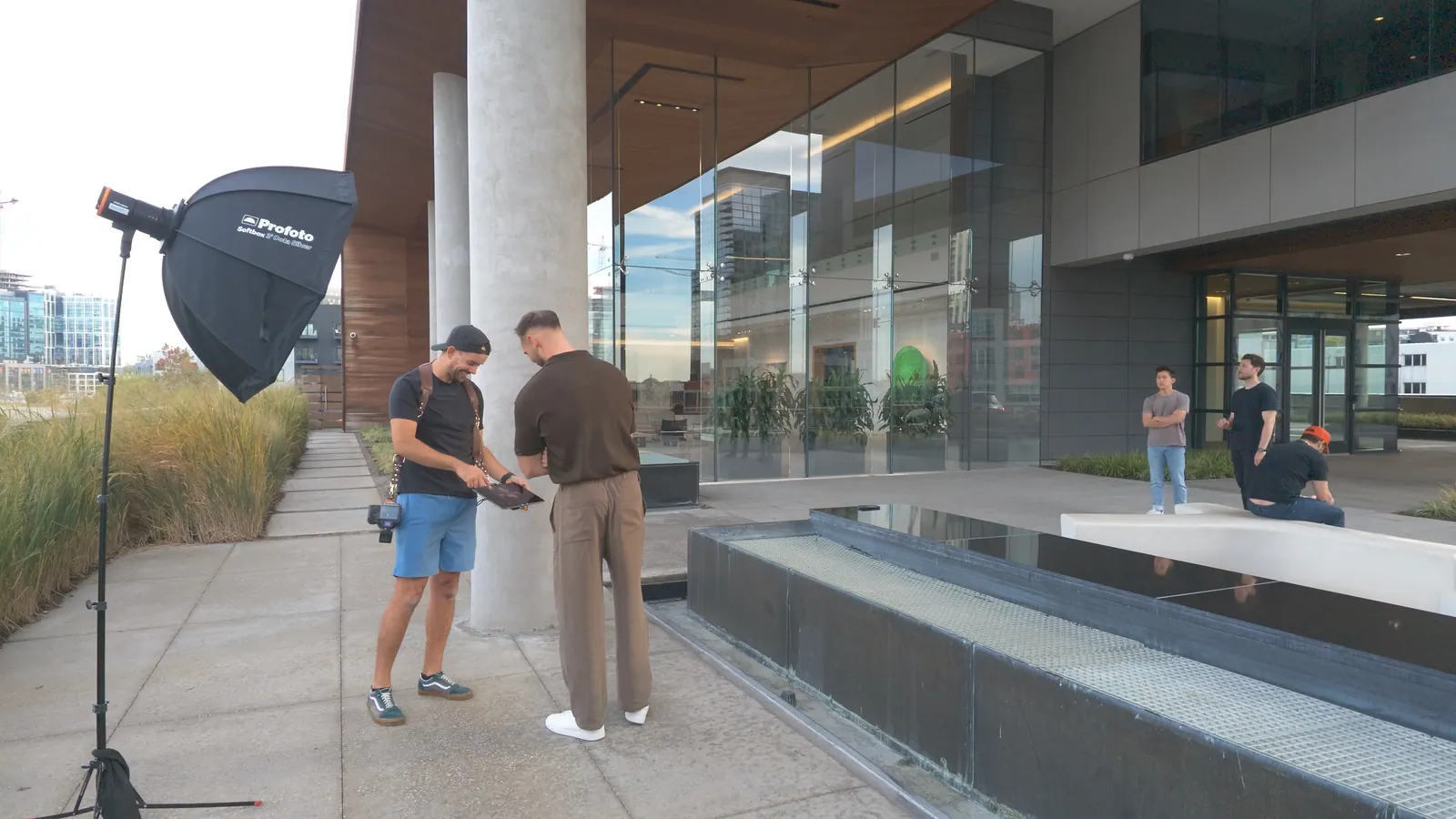
I love having clients see the photos as we go. The trouble was always the stuff that came with it. A laptop needs a cart, and a cable across your body is one more thing to trip over, especially if you're as clumsy as I am.
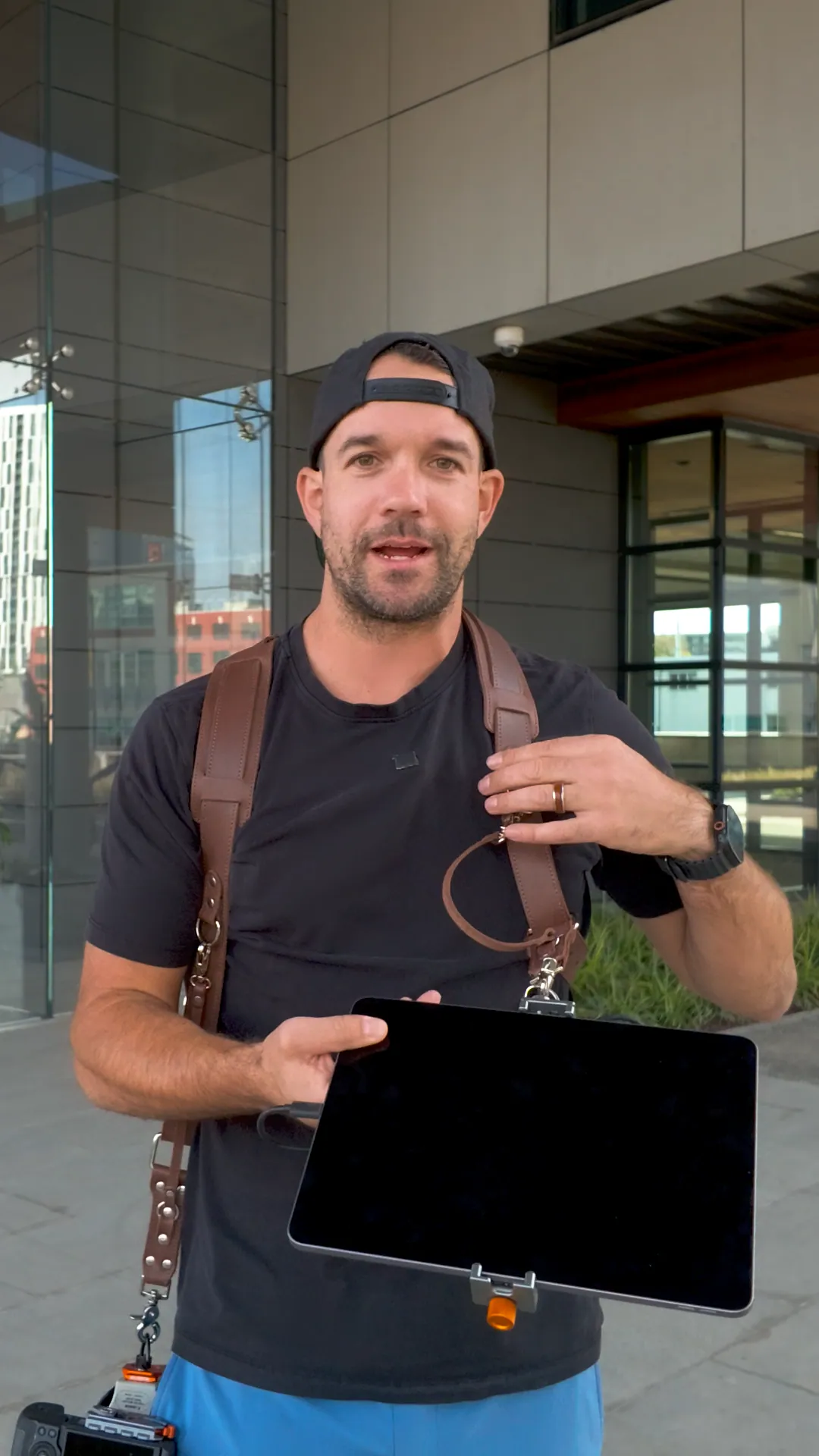
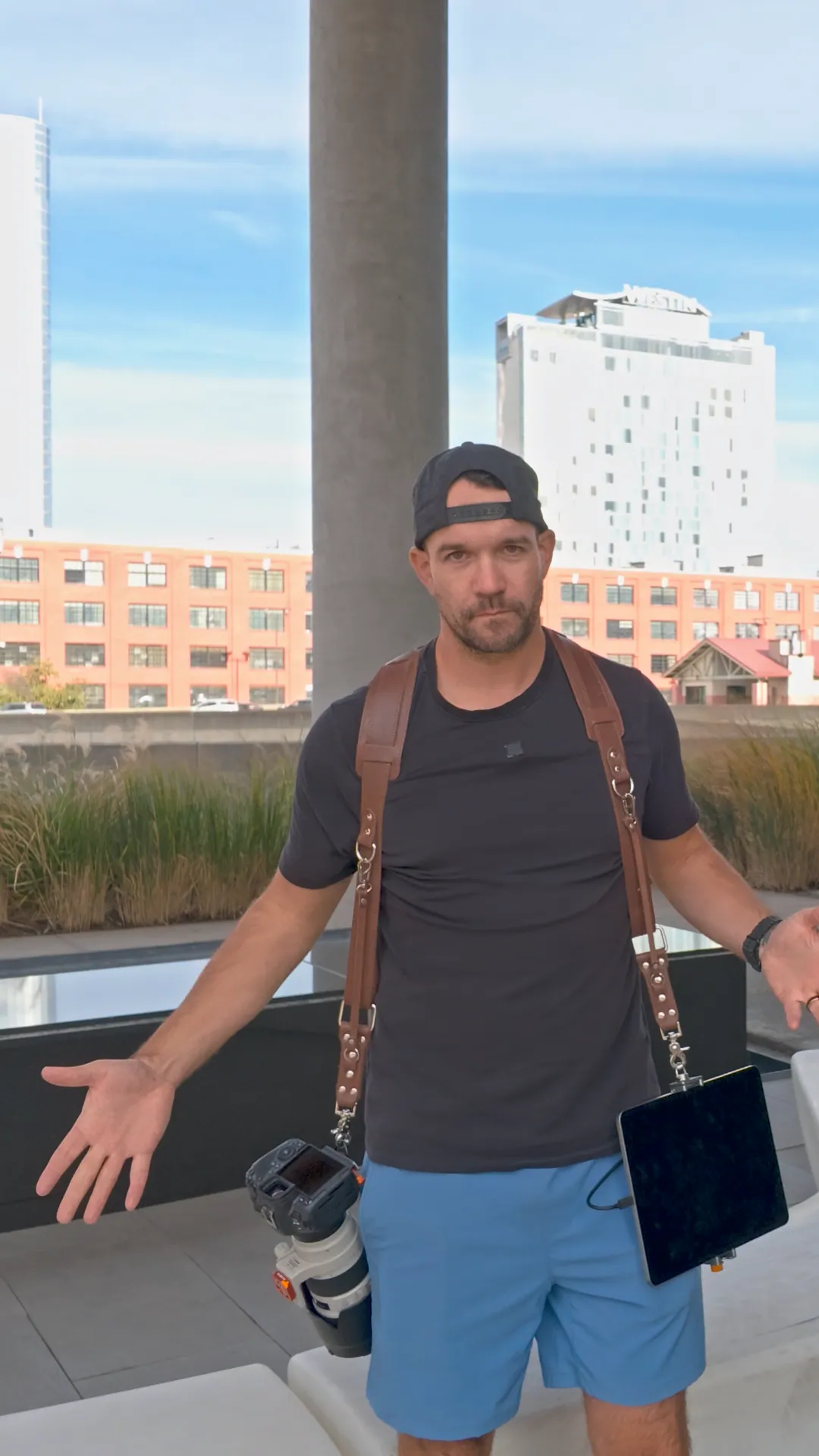
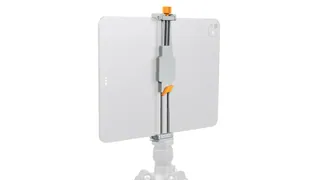
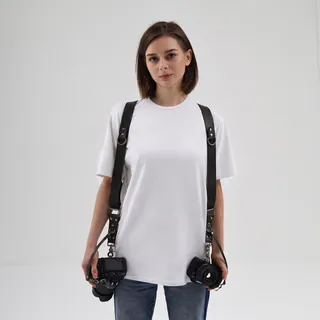
Now the iPad hangs on my dual camera strap. Camera on one side, iPad on the other. Clients see the photos as they come in, and every shot lands on a drive on the back of the iPad. When the shoot wraps, I plug that drive into my laptop. There's nothing to transfer.
The gear
Some of the links on this page are affiliate links, so I may earn a small commission if you buy through them, at no extra cost to you. As an Amazon Associate I earn from qualifying purchases.
How it goes together
- Clip the iPad mount onto your strap, on the opposite side from your camera.
- The mount connects with a 1/4-20 or a 3/8 thread, so use whichever fits your setup.
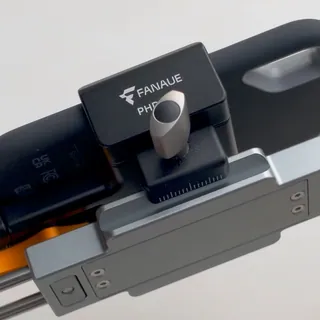
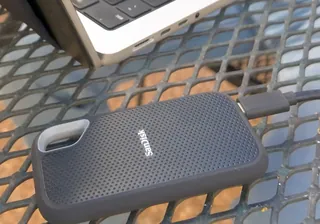
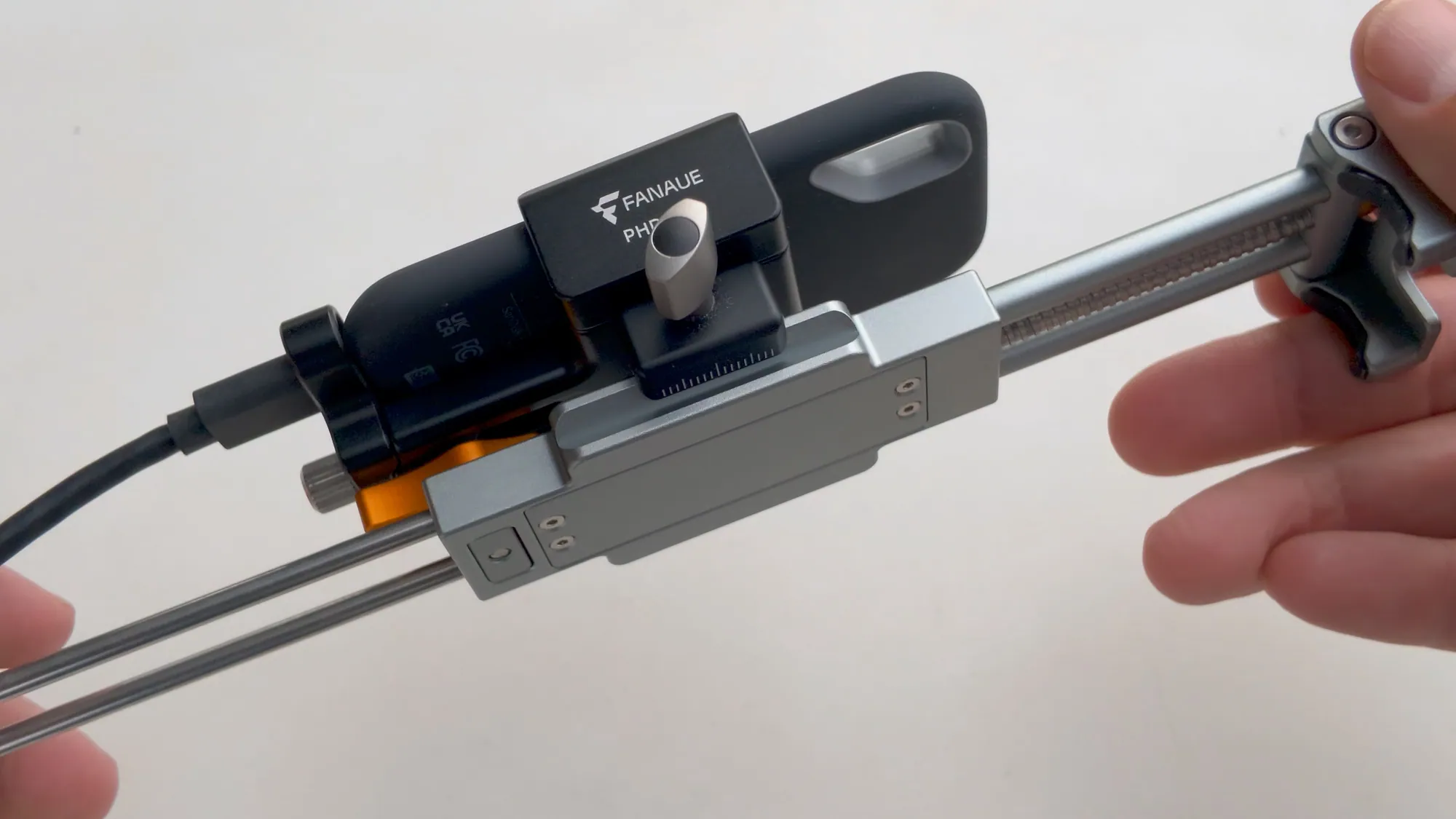
- Put the SSD on the back of the iPad with the bracket, and plug it in.
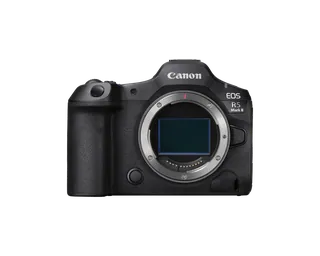
- Connect your camera to the iPad wirelessly in Capture One Pro and start shooting. Every shot goes straight to the drive, and your client sees it come in.
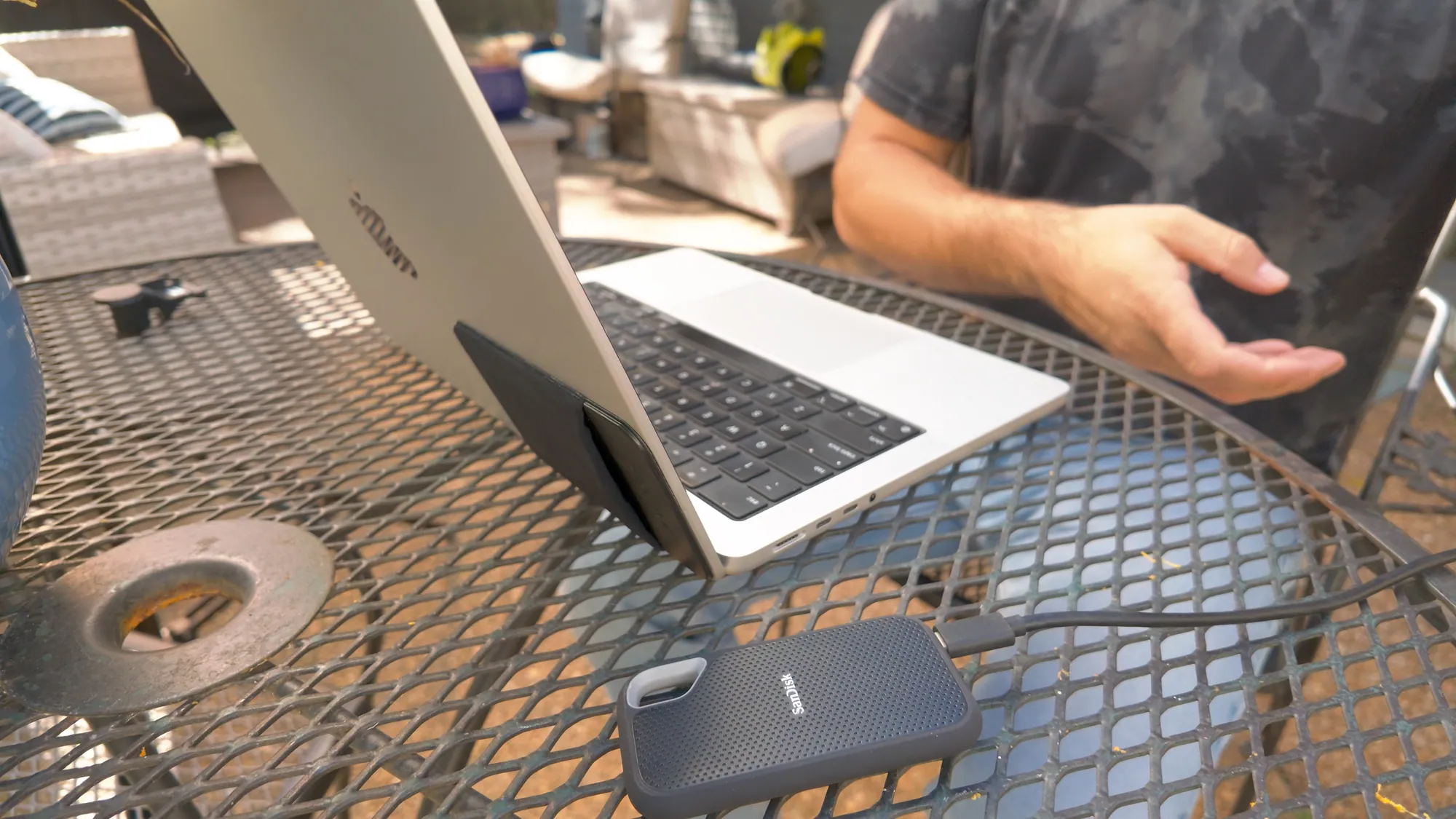
- When you're done, plug the drive into your laptop and get to work.
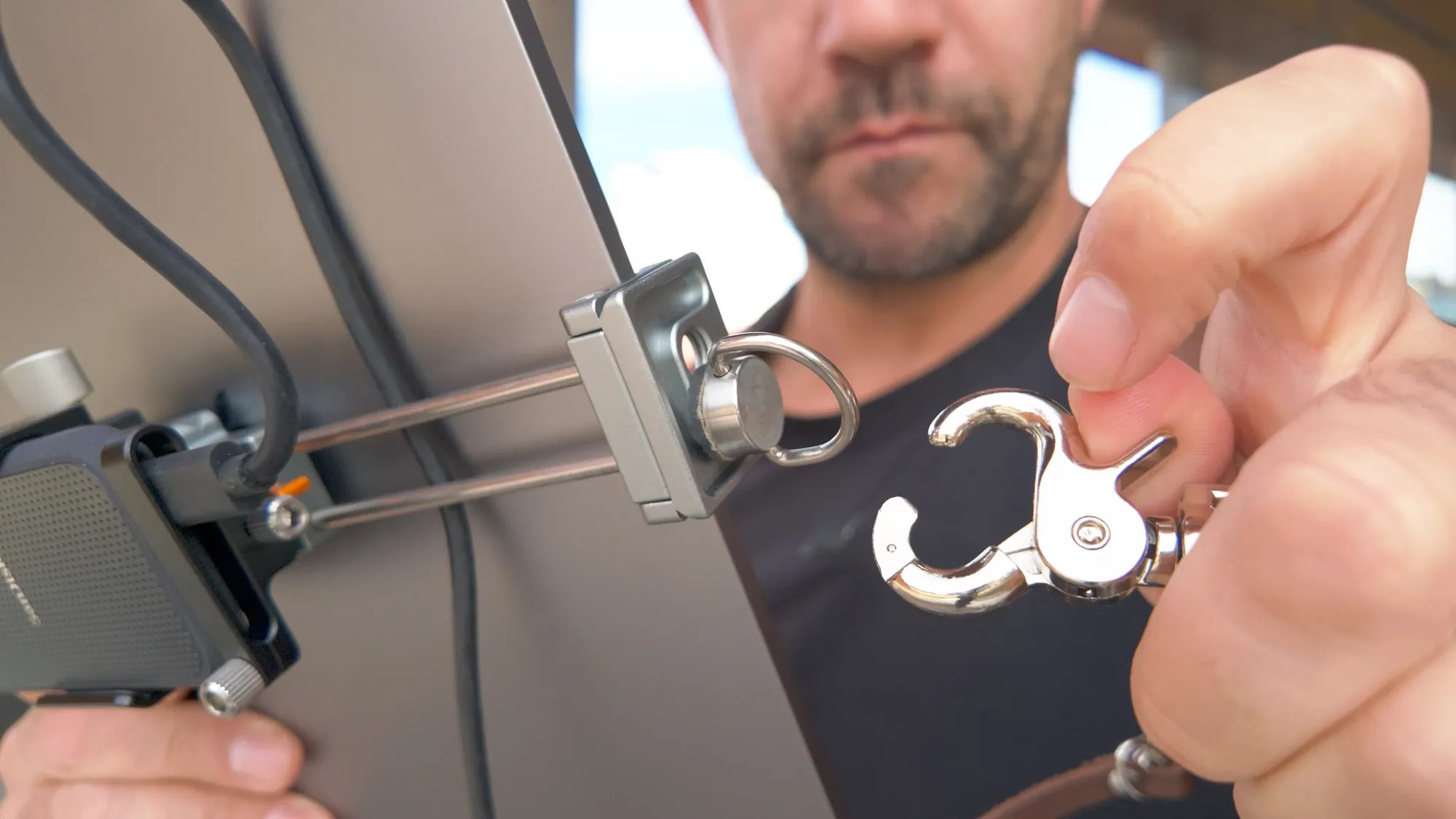
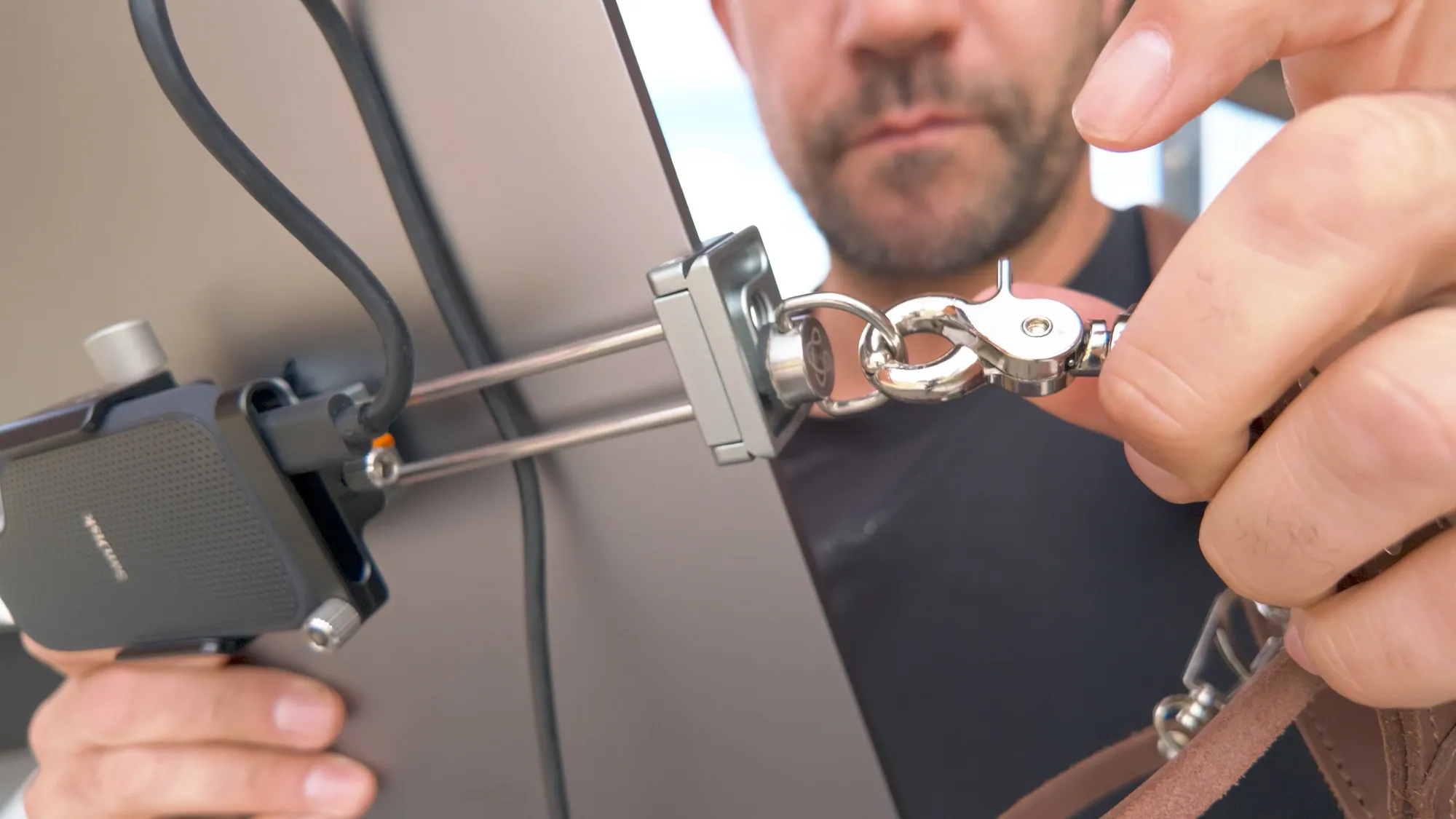
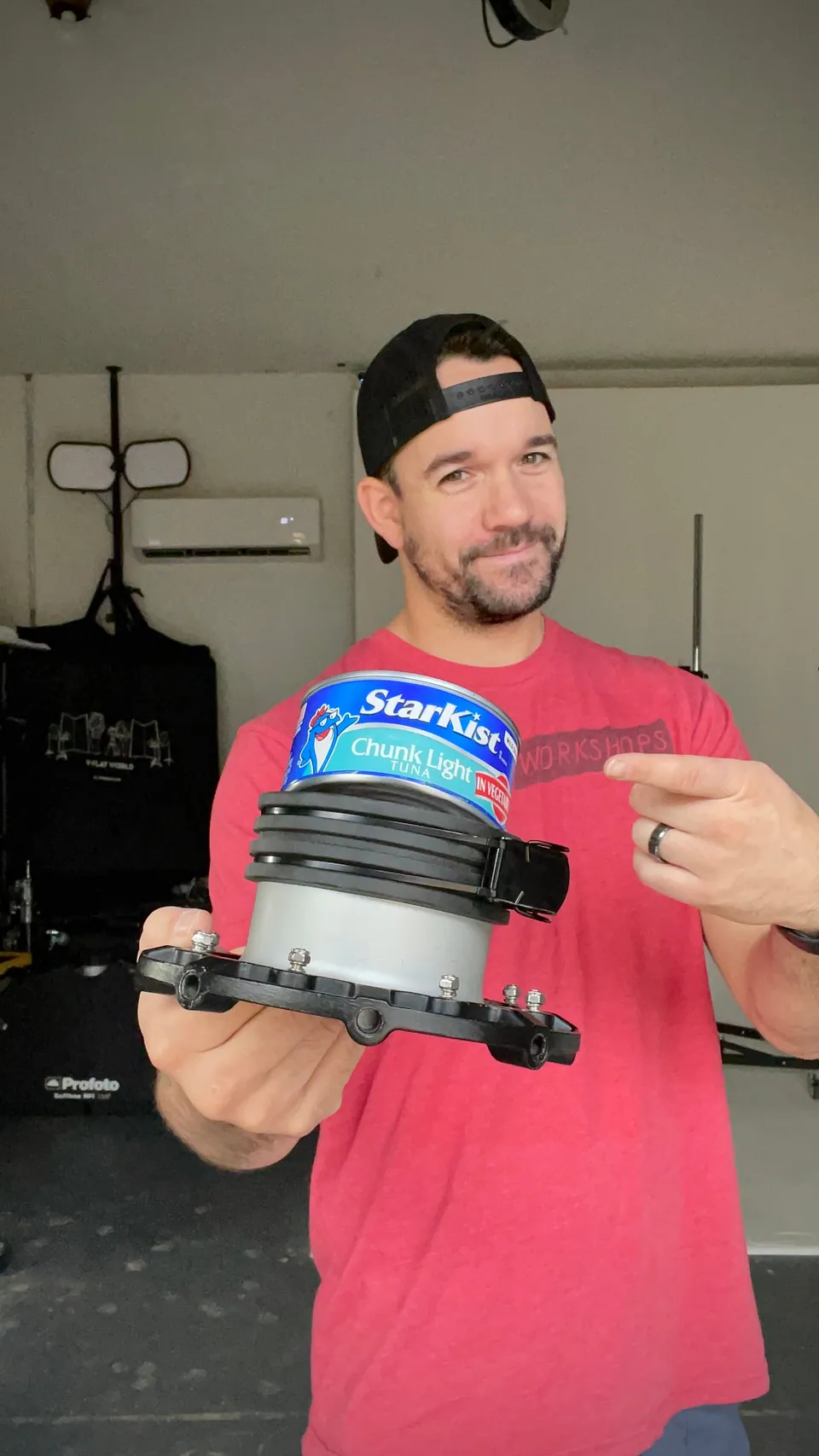
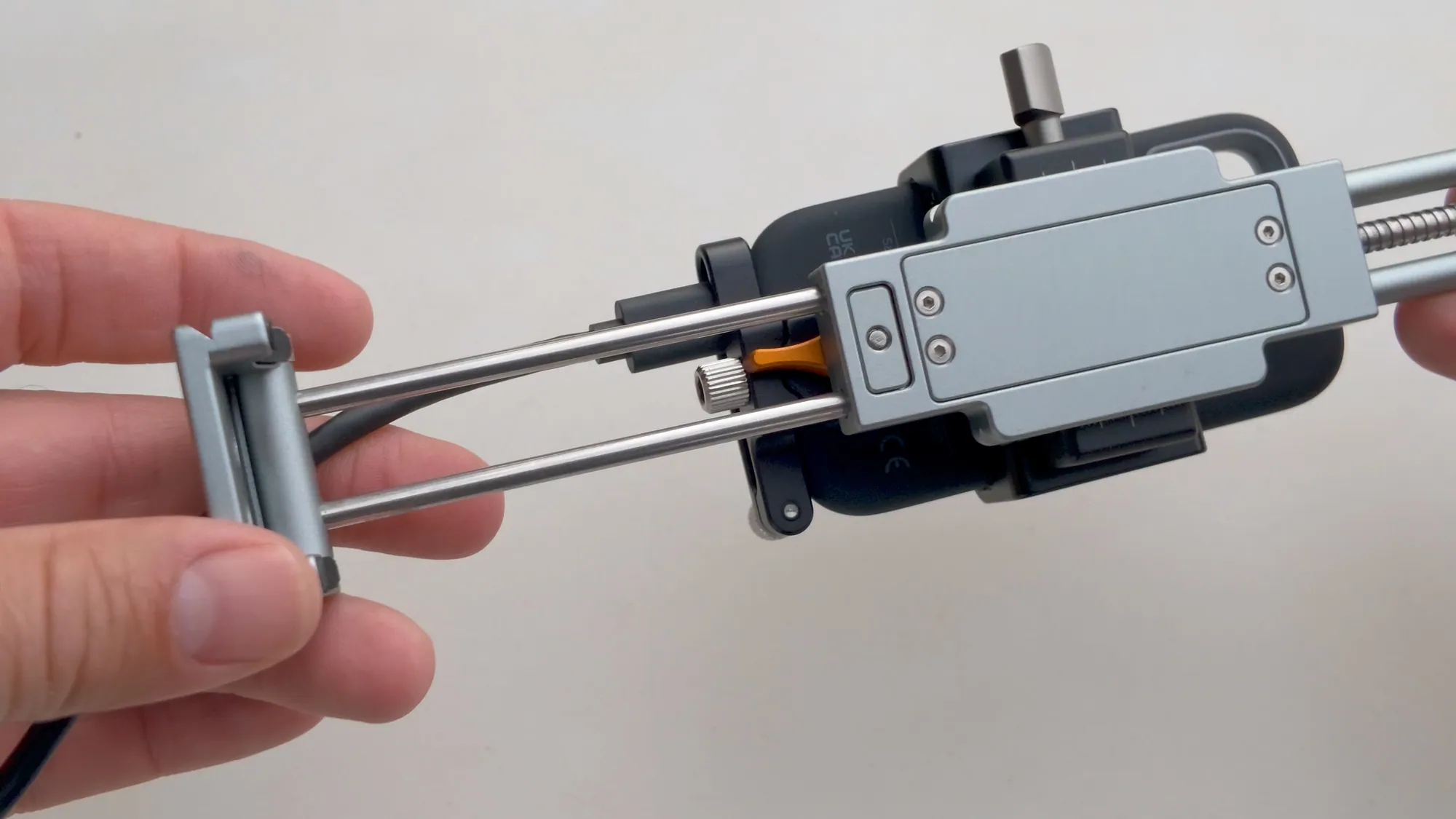
In case you're wondering how the hard drive holder connects to the iPad mount, here's how. The Tether Tools iPad mount comes with an Arca-Swiss-style adapter plate. I attach that plate to the back of the mount, then screw the hard drive holder right into the thread on the back of the plate. iPad mount, then plate, then drive holder. That's the whole stack.
And when the shoot wraps, that same drive goes straight into the laptop.
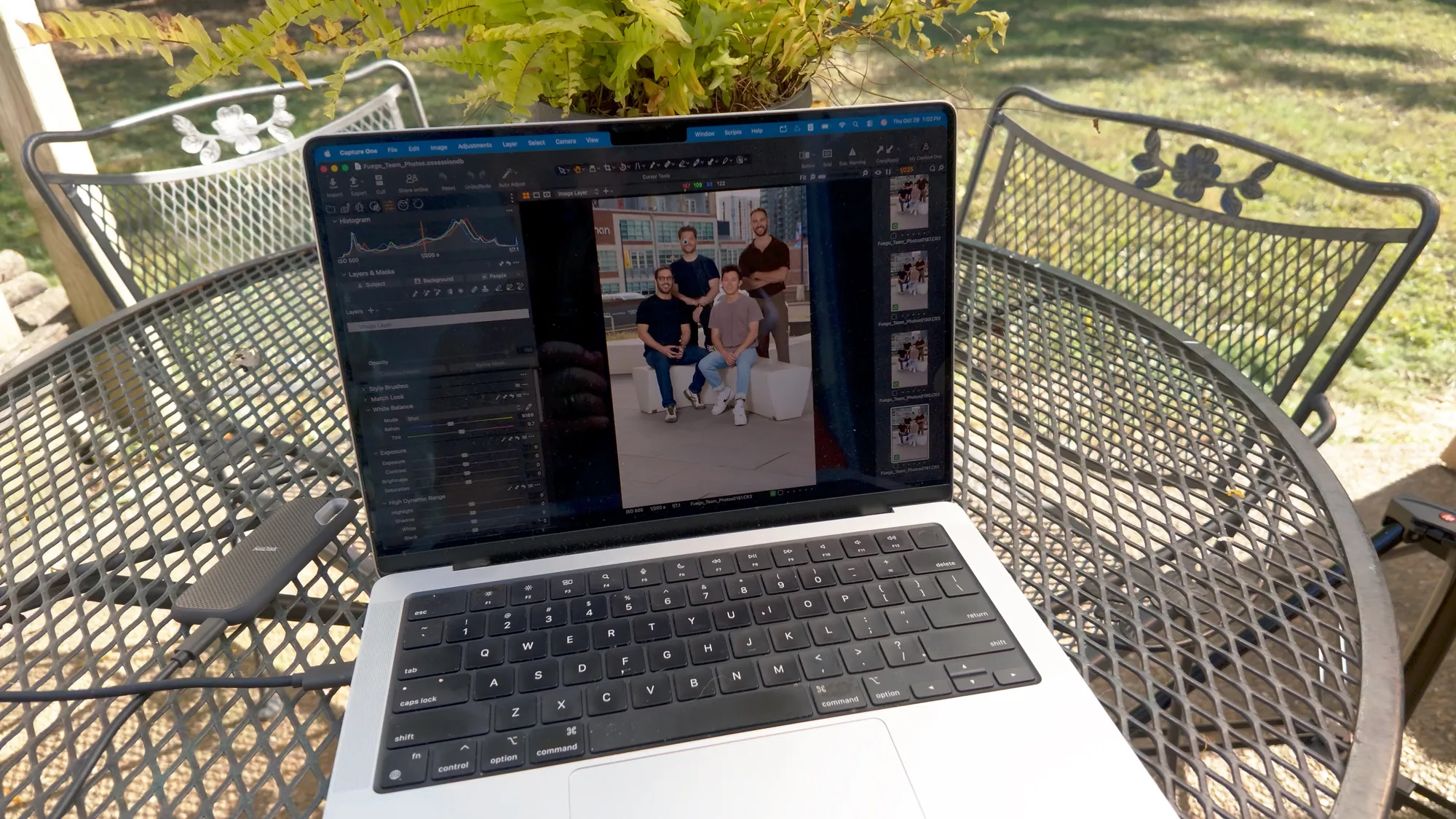
These are not rules by any means. If you've already got a strap or a tablet, start with what you have and add the pieces you're missing.
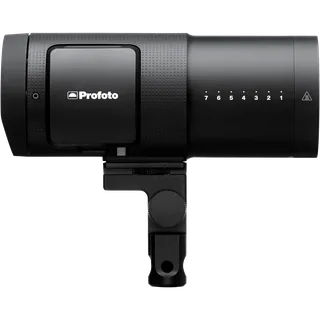
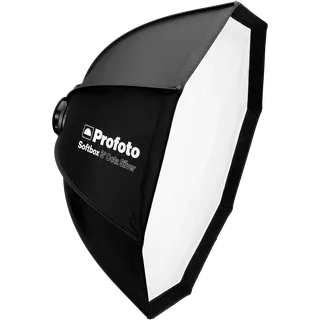
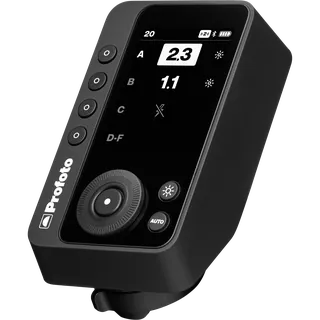
The lighting I used
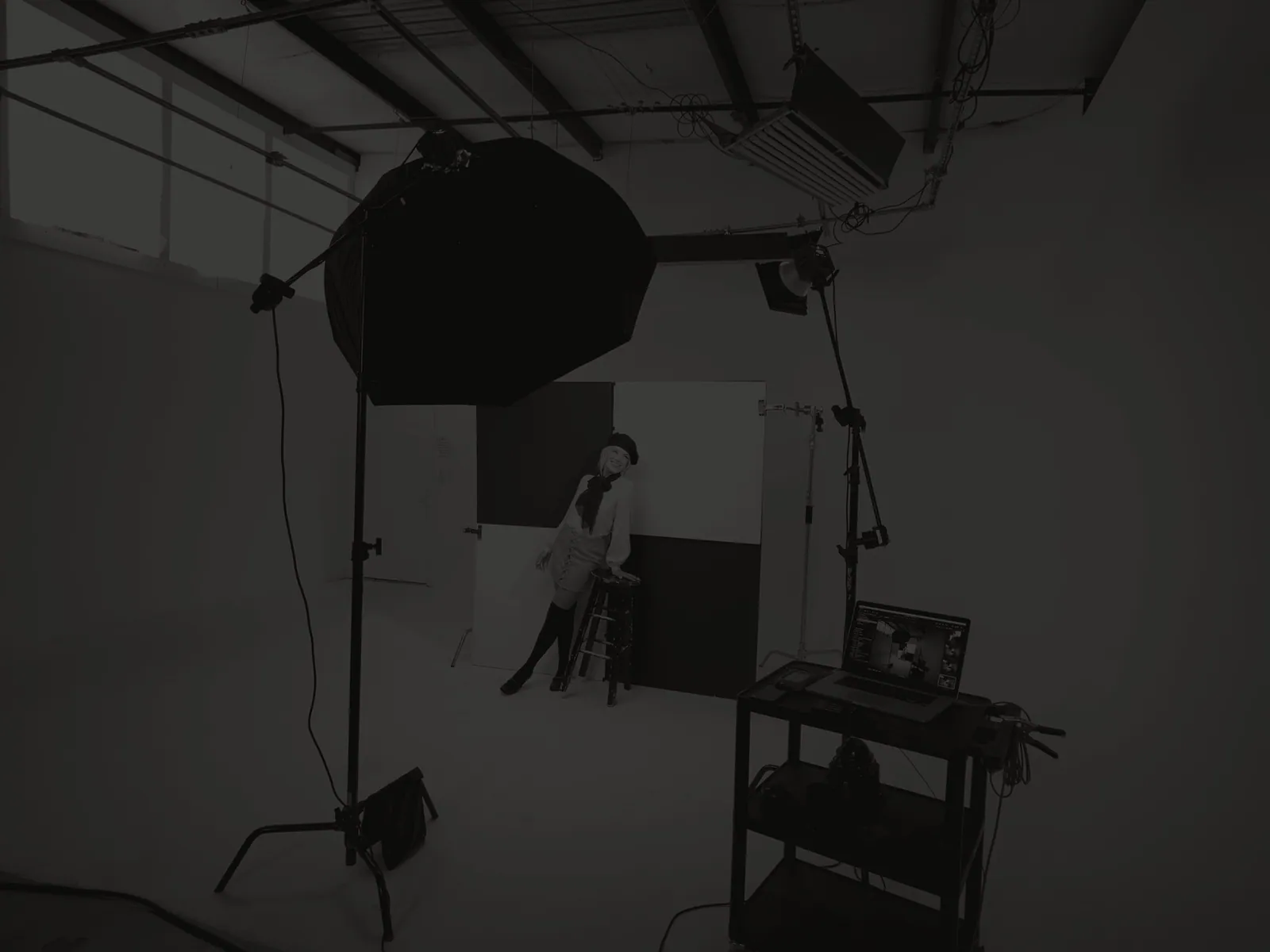
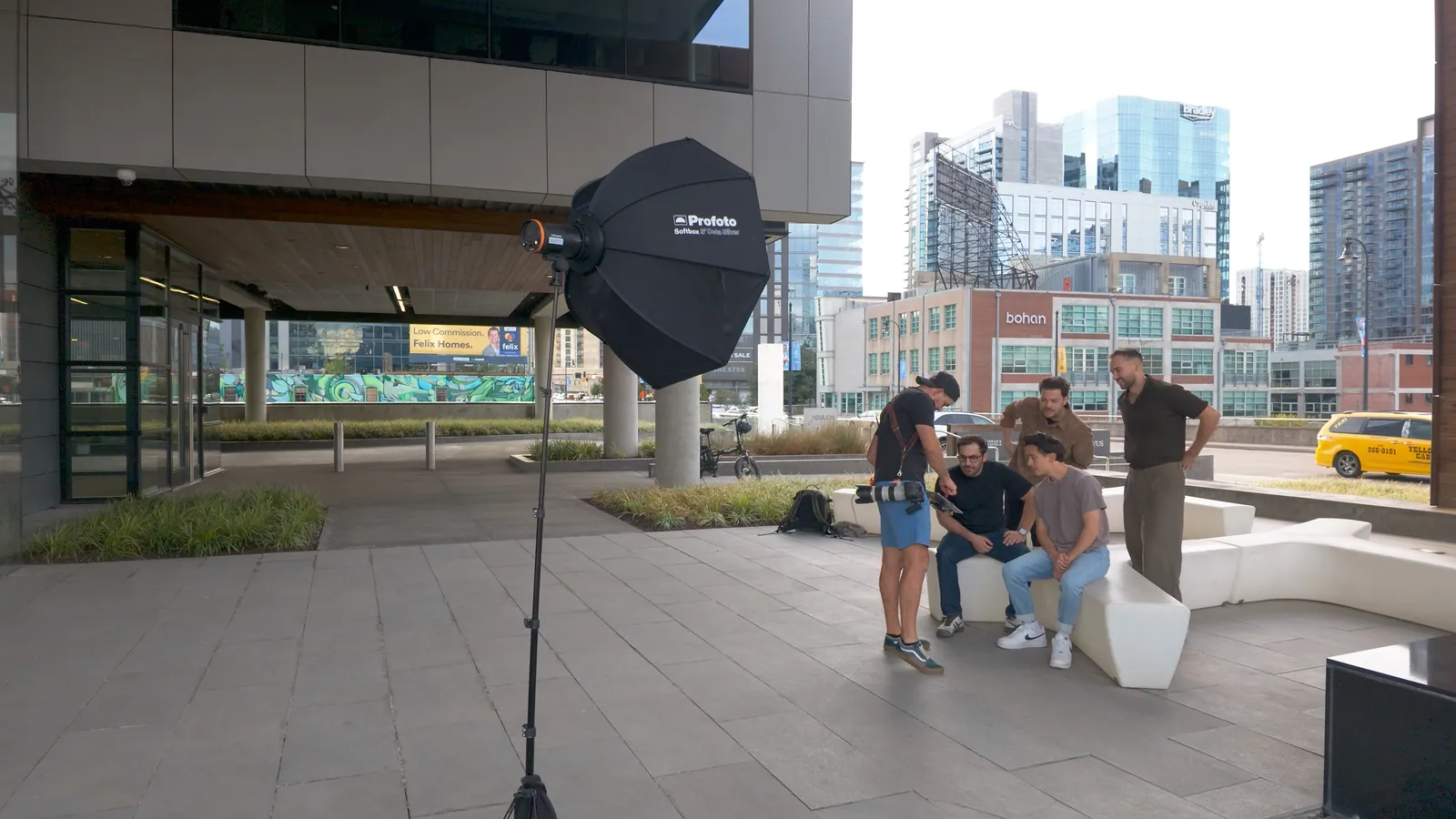
None of this is part of the tethering setup, and you don't need it to tether. But I know someone's going to ask what I was lighting with, so here it is.
Jeff CarpenterCommercial portrait and headshot photographer, educator, and owner of Readylight Media in Franklin, TN. Want to go deeper? Book a 1-on-1 workshop.