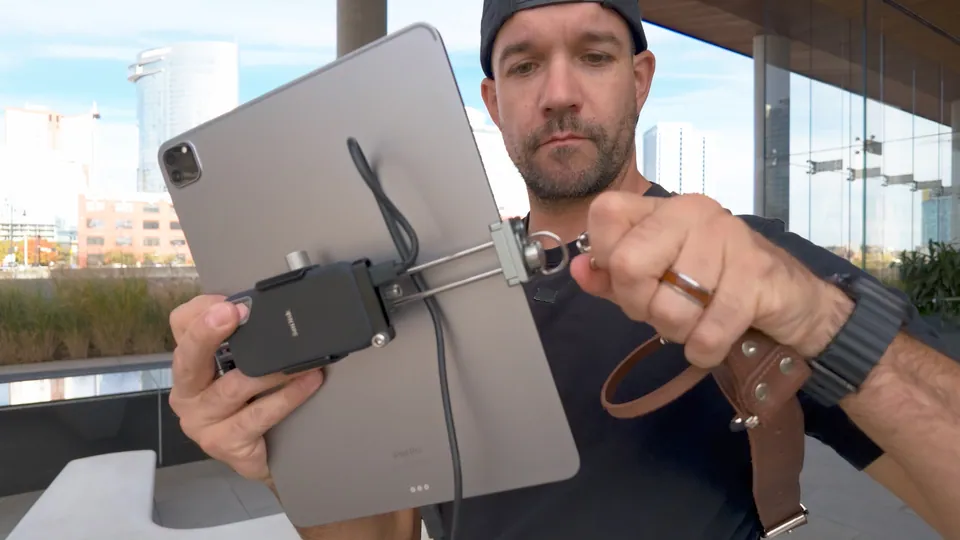
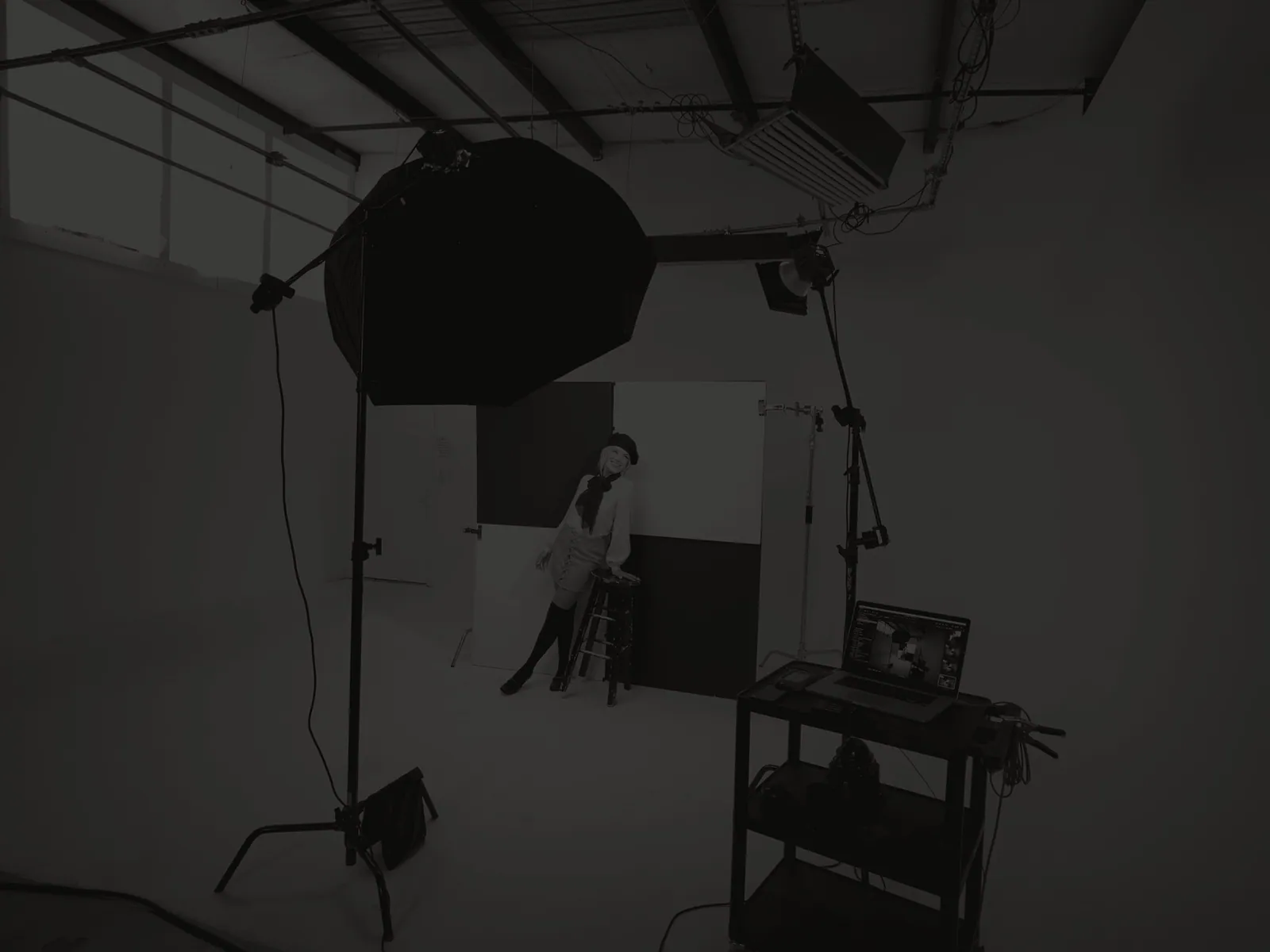
Here's the whole kit, all in one spot. This is how I set up to tether to a laptop, with the laptop up on a workstation right where I'm shooting.
The gear
Some of the links on this page are affiliate links, so I may earn a small commission if you buy through them, at no extra cost to you. As an Amazon Associate I earn from qualifying purchases.
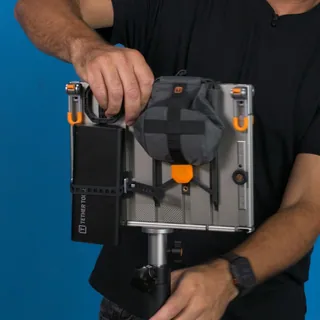
Tether Tools AeroTrac Workstation Pro KitThe workstation that holds my laptop on set. It folds flat, and everything stays clipped on where I want it. Use code jeffcarpenter at checkout.See it at Tether Tools →
GL.iNet Slate AX Travel Router (GL-AXT1800)This runs the WiFi between my camera and the laptop. It straps right under the AeroTrac.See it at Amazon →
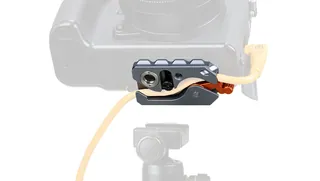
Tether Tools TetherGuard LeverLock Plus PlateThe quick-release plate on the bottom of my camera. It locks the tether cable in place, too. Use code jeffcarpenter at checkout.See it at Tether Tools →
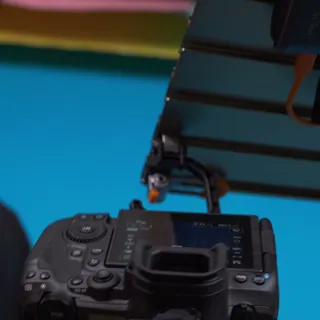
VVAAGG QD Quick-Release ClipsThe little quick-detach clips that snap into the LeverLock plate. I can hang my camera right off the AeroTrac.See it at Amazon →
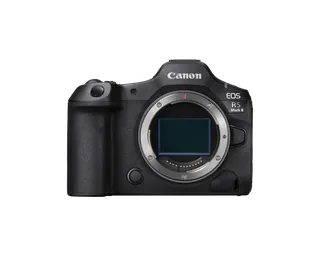
Canon EOS R5 Mark IIThe camera I tether.See it at Amazon →
These are not rules by any means. Start with what you have and add the pieces you're missing.

Jeff CarpenterCommercial portrait and headshot photographer, educator, and owner of Readylight Media in Franklin, TN. Want to go deeper? Book a 1-on-1 workshop.